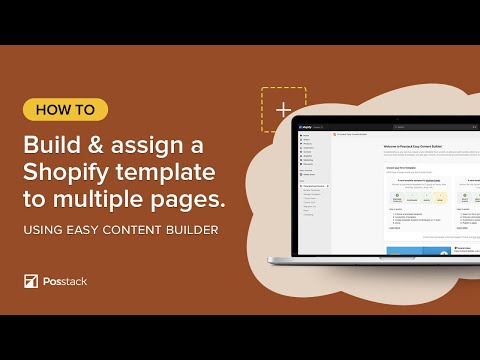
This option is perfect if you plan to build a template for a group of pages.
----
You want to create a unique template to an individual page? Check out this video tutorial:
• https://youtu.be/ze_UE0uVto4?feature=shared
We highly recommend you use this option when you plan to build a unique page, such as a landing page for a new product, About Us, lookbook page, etc.
---
More helpful resources:
- Free pre-built sections to tailor your Shopify themes: https://easy-content-builder-demo.myshopify.com/pages/section-variations
- How to create multi-column layouts on your Shopify pages: https://docs.posstack.com/index.php/Section_Settings
- How to create a hero banner on your Shopify pages: https://docs.posstack.com/index.php/Block_Image_With_Text#Use_case_3:_Hero_banner_with_3_CTAs_buttons
- Install Easy Content Builder for free from the Shopify app store: https://apps.shopify.com/easy-content-builder
----
Let us know any questions you might have in the comment section.