Why use metaobjects?
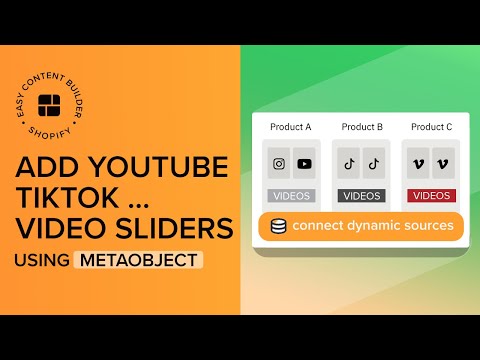
They enable you to create distinctive video sliders for each page. For example, even if products A and B share the same template, their video sliders can be tailored to match the specific products.
––––––––––––––––––––––––––––––––––––––––––––
USEFUL LINKS:
🌟 Download the Easy Content Builder app: https://apps.shopify.com/easy-content.
🌟 Watch a 6-minute video to learn the basics of Easy Content Builder's main features: https://youtu.be/zntR-9xw0z4?si=wXXp22LTeEWkM_k6.
🌟 Access step-by-step guides for creating templates on Shopify using Easy Content Builder: https://docs.posstack.com.
––––––––––––––––––––––––––––––––––––––––––––
In this video, we'll cover:
00:15 - Overview of Shopify Metaobjects
00:38 - Step 1: Create a Metaobject
00:53 - Step 2: Add Metaobject Entries
01:32 - Step 3: Create a Metaobject Template
01:42 - Step 4: Incorporate Icons With Text section to link video metaobject entries.