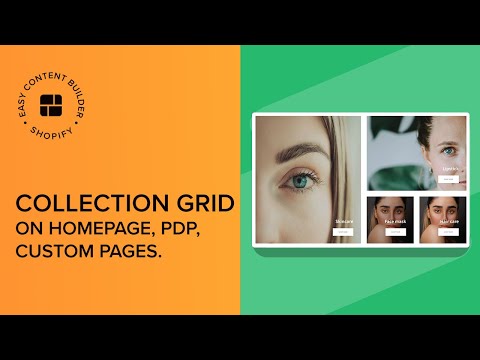
You can follow the same process to explore the other 6 hierarchical Grid types and determine the best fit for your needs.
––––––––––––––––––––––––––––––––––––––––––––
USEFUL Shopify Sections:
✅ Add Circle Menus: https://youtu.be/4U084tqoNqE?si=F2w_rlgwC2X3KJof
✅ Add Product Comparison Chart: https://youtu.be/3-7nTz-c4yQ?si=sUF1uqIg2MHlE3q4
✅ Add a Custom Hero section: https://youtu.be/uspAswjgQxs?si=_-YDYQR_TgQV4XJu
✅ Add an auto-scrolling logo list: https://youtu.be/23m3fbMu0Ic?si=7mgB3FZ1Sc9O1Axt
✅ Create a rich text section overlapping an image in Shopify https://youtu.be/-EHTyVR-bzI?si=oBEQIclj_kJtLZwg
✅ Create a metaobject template on Shopify: https://youtu.be/8ketmVfzQ78?si=qjTQmLADJtz9EuRV
✅ Set up multi-column layouts for a section on Shopify https://youtu.be/DTAOoz3jPEA?si=WzPtf-B-Ogvc_sgX
––––––––––––––––––––––––––––––––––––––––––––
Helpful Links:
🌟 Download Easy Content Builder app: https://apps.shopify.com/easy-content-builder
🌟 Explore all available multiple-column layouts to elevate the appearance of your Shopify pages: https://posstack.com/resources/shopify-grid-layouts
––––––––––––––––––––––––––––––––––––––––––––
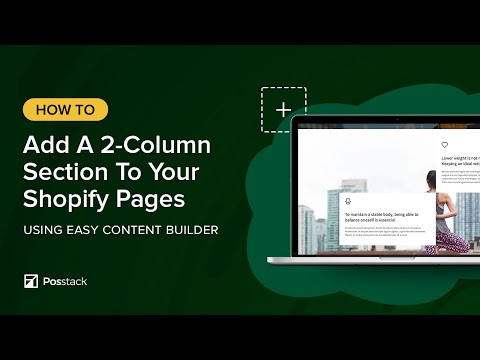
Here's what we cover in this video:
00:01 - Step 1: Create a Section Settings to control the global configurations.
00:14 - Step 2: Add the 1st Image With Text section
00:52 - Step 3: Duplicate to create the 2nd Image With Text section
01:07 - Step 4: Duplicate to create the 3rd Image With Text section
01:25 - Step 5: Duplicate to create the 4th Image With Text section
01:42 - TIPS: How to prevent image stretching.