New to Shopify metaobjects? Here are some key terms to help you get started:
WHAT IS SHOPIFY METAOBJECT:
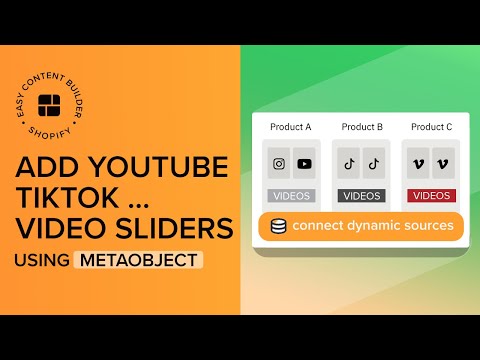
Metaobjects allow you to create and manage custom data not included in the default Shopify data structure, such as recipes, size charts, FAQs, book metadata, technical product specifications, etc. You can access and modify the data stored in metaobjects from the Shopify admin and display them within your theme.
REGULAR TEMPLATE:
By default, only the "Main product information such as media, price, color swatch" (on product pages) and content section (on pages/blog posts) will be dynamic per product/page. Other sections added to the regular template will display the same content on all products/pages.
METAOBJECT TEMPLATE:
Metaobject templates consist of metaobject sections designed to give your online store a consistent look, and each metaobject-powered section comes with its own unique content per product/page.
––––––––––––––––––––––––––––––––––––––––––––
USEFUL Shopify Sections:
✅ Add Circle Menus: https://youtu.be/4U084tqoNqE?si=F2w_rlgwC2X3KJof
✅ Add Product Comparison Chart: https://youtu.be/3-7nTz-c4yQ?si=sUF1uqIg2MHlE3q4
✅ Add a Custom Hero section: https://youtu.be/uspAswjgQxs?si=_-YDYQR_TgQV4XJu
✅ Add a Collection Grid: https://youtu.be/pHMFVtlFG48?si=437Mi2uGZgWlDxVj
✅ Add an auto-scrolling logo list: https://youtu.be/23m3fbMu0Ic?si=7mgB3FZ1Sc9O1Axt
✅ Create a rich text section overlapping an image in Shopify https://youtu.be/-EHTyVR-bzI?si=oBEQIclj_kJtLZwg
✅ Set up multi-column layouts for a section on Shopify https://youtu.be/DTAOoz3jPEA?si=WzPtf-B-Ogvc_sgX
––––––––––––––––––––––––––––––––––––––––––––
USEFUL LINKS:
🌟 Download Easy Content Builder app: https://apps.shopify.com/easy-content-builder
🌟 Step-by-step guides for creating metaobject template on Shopify: https://docs.posstack.com/index.php/Metaobject_intro
––––––––––––––––––––––––––––––––––––––––––––
Here's what we cover in this video:
00:02 - STEP 1: Create Metaobjects automatically using 1-click option
00:13 - STEP 2: Create a metaobject template
00:56 - STEP 3: Assign the metaobject template to multiple products
01:15 - STEP 4: Add Metaobject Entries to the 1st product
02:50 - STEP 5: Preview metaobject template in your Theme Editor
03:20 - STEP 6: Add Metaobject Entries to the 2nd product
04:09 - See two products on the storefront (using the same metaobject template)