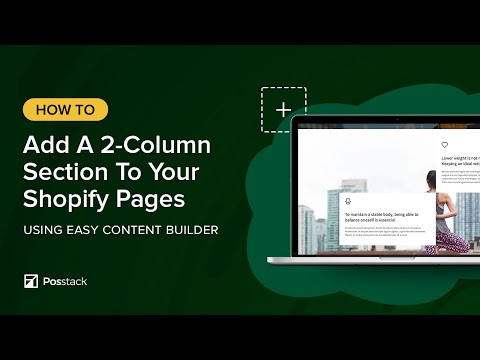
Watch this video to see how you can easily set up multi-column layouts for a section using Easy Content Builder.
Once you've added a content section, you can easily configure the column layout according to your preferences through your Shopify theme editor.
––––––––––––––––––––––––––––––––––––––––––––
USEFUL Shopify Sections:
✅ Add Circle Menus: https://youtu.be/4U084tqoNqE?si=F2w_rlgwC2X3KJof
✅ Add Product Comparison Chart: https://youtu.be/3-7nTz-c4yQ?si=sUF1uqIg2MHlE3q4
✅ Add a Custom Hero section: https://youtu.be/uspAswjgQxs?si=_-YDYQR_TgQV4XJu
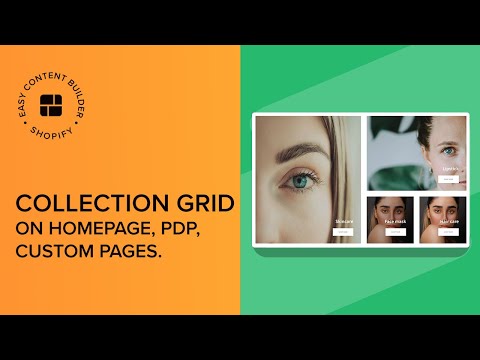
✅ Add a Collection Grid: https://youtu.be/pHMFVtlFG48?si=437Mi2uGZgWlDxVj
✅ Add an auto-scrolling logo list: https://youtu.be/23m3fbMu0Ic?si=7mgB3FZ1Sc9O1Axt
✅ Create a rich text section overlapping an image in Shopify https://youtu.be/-EHTyVR-bzI?si=oBEQIclj_kJtLZwg
✅ Create a metaobject template on Shopify: https://youtu.be/8ketmVfzQ78?si=qjTQmLADJtz9EuRV
––––––––––––––––––––––––––––––––––––––––––––
USEFUL LINKS:
🌟 Download Easy Content Builder app: https://apps.shopify.com/easy-content-builder
🌟 Step-by-step guides for creating multiple layouts on Shopify: https://docs.posstack.com/index.php/Multi_column_layout_examples
––––––––––––––––––––––––––––––––––––––––––––
Here's what we cover in this video:
00:01 - Preparation - 1-col layout
00:08 - Change from 1-col to 2-col section.
00:22 - Switch from 2-col to 3-equal-col section
00:30 - Switch from 3-col to 4-col section
00:38 - Reorder a block with the section