We have just revamped the Easy Content Builder app dashboard, which brings you two options to create a new page:
1. Create a new template assigned to One Page: the video you are watching here will walk you through how to create and assign a template to an individual product/blog post/page.
2. Create a new template assigned to Multiple Pages: more detail at https://youtu.be/k3C6dyc_OJ0?feature=shared
--
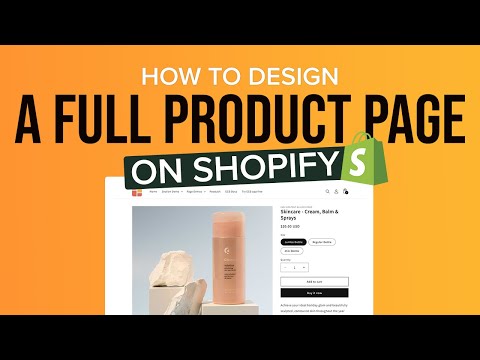
A brief video about @Posstack Easy Content Builder app - which will walk you through the steps to add a new template, edit, and add new sections to your Shopify product page.
You are new to Easy Content Builder? Check out more helpful resources at:
- Free pre-built sections to tailor your Shopify themes: https://easy-content-builder-demo.myshopify.com/pages/section-variations
- How to create multi-column layouts on your Shopify pages: https://docs.posstack.com/index.php/Section_Settings
- How to create a hero banner on your Shopify pages: https://docs.posstack.com/index.php/Block_Image_With_Text#Use_case_3:_Hero_banner_with_3_CTAs_buttons
- Install Easy Content Builder for free from the Shopify app store: https://apps.shopify.com/easy-content-builder